
Many puzzles in one
23 Puzzles with 4 Modes
Every puzzle opens into the same 4 modes, one tap apart.
Learn
Study the puzzles’ inner construction and learn useful moves.
Fix
Input your scrambled puzzle and put it right step by step.
Play
Try virtual puzzles to customise, scramble and solve, if you can!
Race
Challenge a friend on the same scramble, or take on today’s.
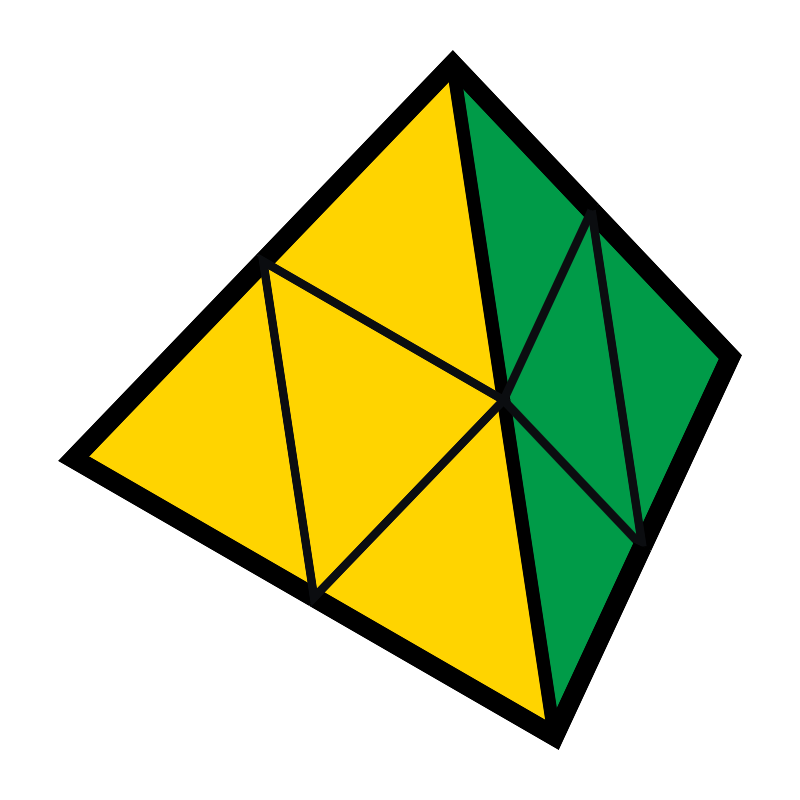
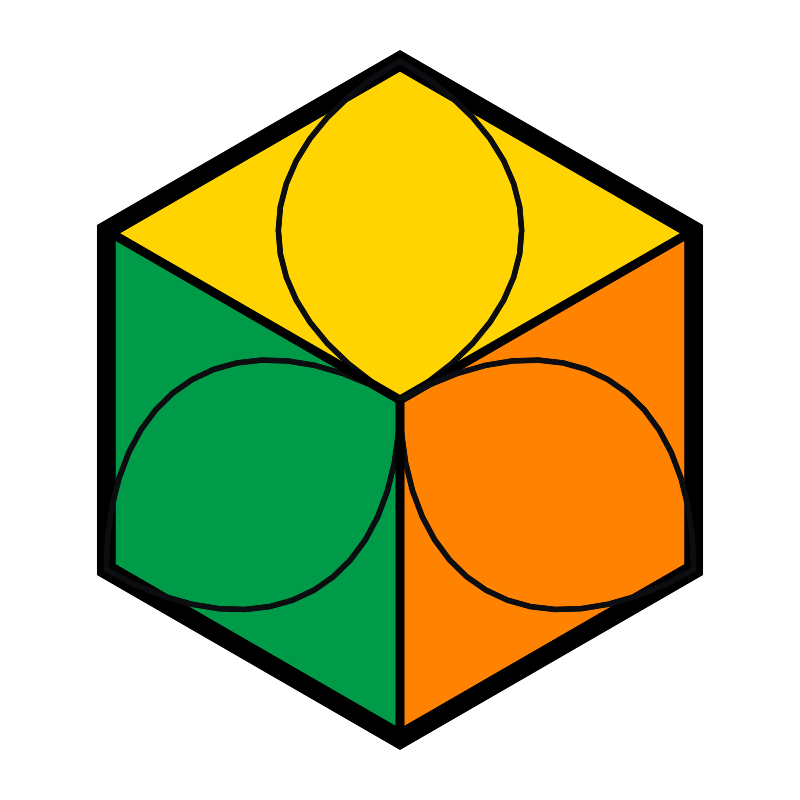
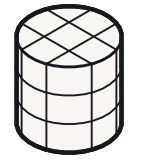
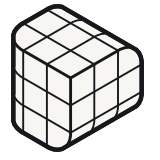
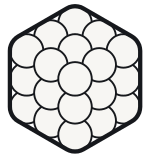
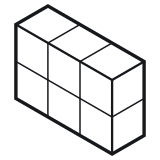
The 23 puzzles with the modes each one has
- Learn 23 Learn
- Fix 23 Fix
- Play 23 Play
- Race 23 Race
-
- Learn
- Fix
- Play
- Race
-
- Learn
- Fix
- Play
- Race
-
- Learn
- Fix
- Play
- Race
-
- Learn
- Fix
- Play
- Race
-
- Learn
- Fix
- Play
- Race
-
- Learn
- Fix
- Play
- Race
-
- Learn
- Fix
- Play
- Race
-
- Learn
- Fix
- Play
- Race
-
- Learn
- Fix
- Play
- Race
-
- Learn
- Fix
- Play
- Race
-
- Learn
- Fix
- Play
- Race
-
- Learn
- Fix
- Play
- Race
-
- Learn
- Fix
- Play
- Race
-
- Learn
- Fix
- Play
- Race
-
- Learn
- Fix
- Play
- Race
-
- Learn
- Fix
- Play
- Race
-
- Learn
- Fix
- Play
- Race
-
- Learn
- Fix
- Play
- Race
-
- Learn
- Fix
- Play
- Race
-
- Learn
- Fix
- Play
- Race
-
- Learn
- Fix
- Play
- Race
-
- Learn
- Fix
- Play
- Race
-
- Learn
- Fix
- Play
- Race


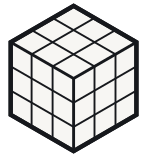
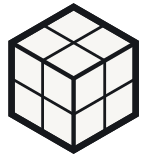
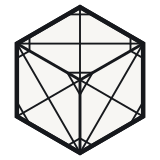
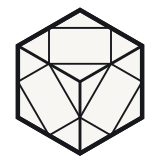
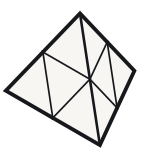
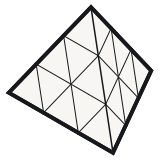
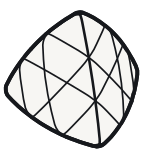
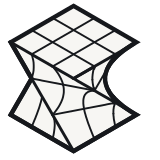
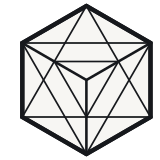
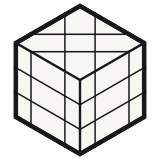
When UnCubed launches, every puzzle has all 4 modes. Every drawing here is made by the code that draws the puzzle in the app.
Your own way
Arrange the Puzzles Your Own Way
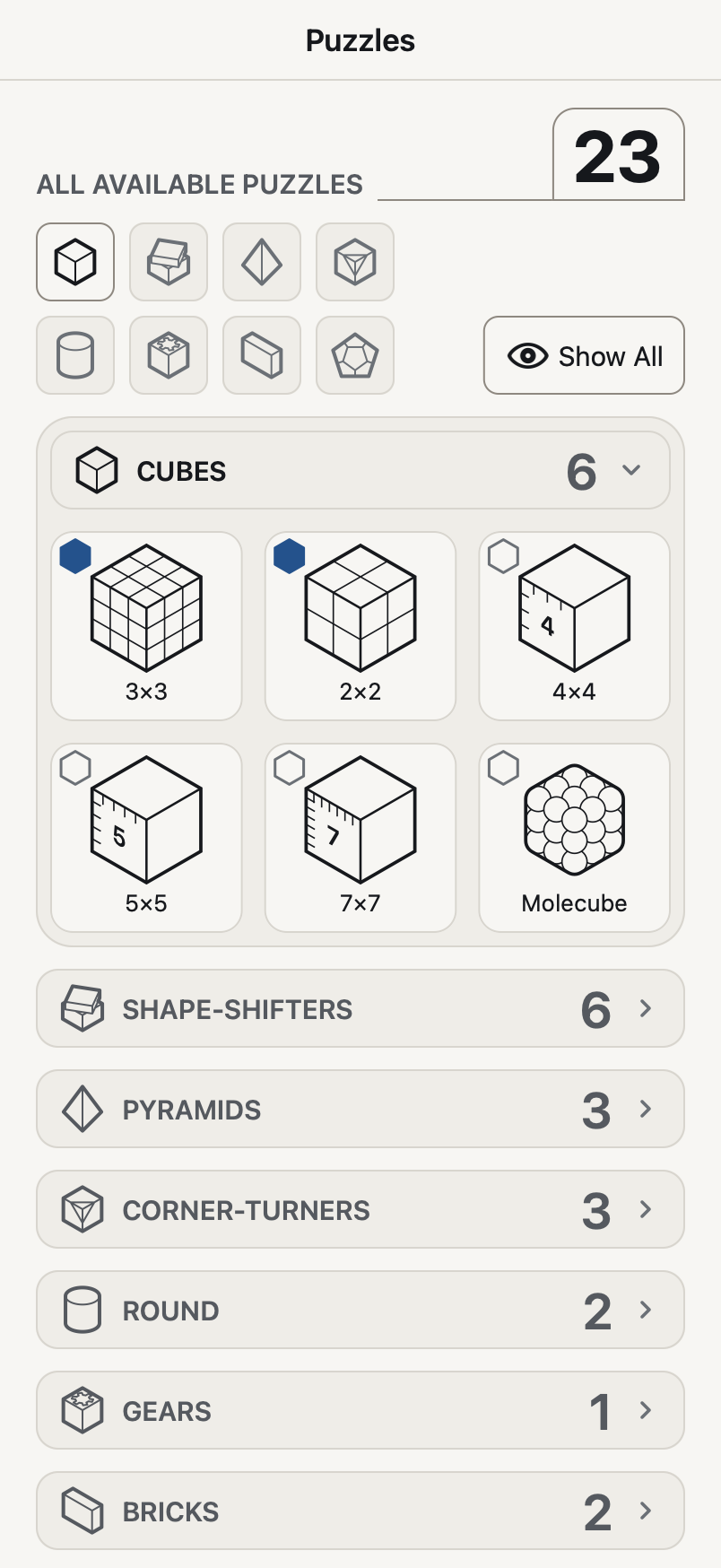
The puzzles page groups every puzzle by its family: Cubes, Shape-shifters, Pyramids,
Corner-turners, Round, Gears and Bricks. Show or hide each family, or every family at
once with Show All and
Hide All, so that the page holds the puzzles
you want to see. The dial holds 6 of them, and you choose which; on a Mac, drag a puzzle
into Favourites or star it.
Fix
Fix Your Own Puzzle Step by Step
Scan your scrambled puzzle with the camera or input it by hand. UnCubed then puts it right with you, one turn at a time, and each step says in words what it does.
Some puzzles cannot be described as coloured squares at all. They change shape as they turn, or do not have any colours to read. UnCubed takes them in their own terms, as pieces and layers rather than squares, and works out the turns from there.
-
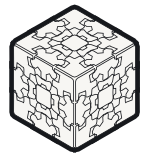
Mirror Cube
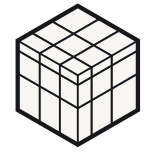
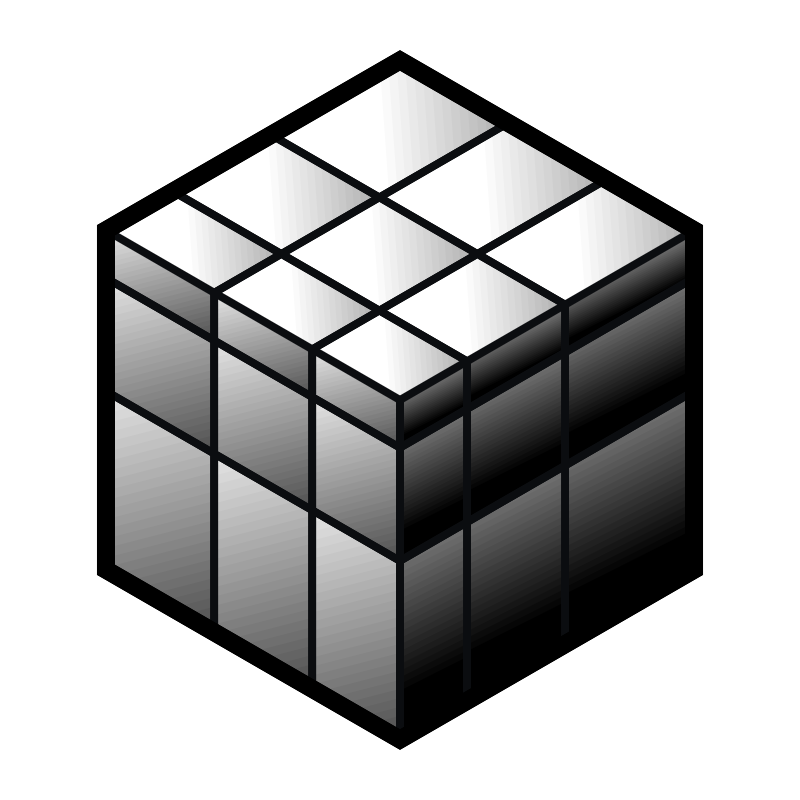
Every side is one colour, and the pieces differ in size. You enter it piece by piece, corners first, then edges, and the steps name pieces by where they belong. The hold is 5 steps, one tap each, and every choice is drawn at the puzzle’s own size so that pieces can be told apart.
If 2 pieces look alike,
Need help?asks how a piece compares with one already in, by running a finger across them, and takes out the choices that no longer fit. -
Gear Cube
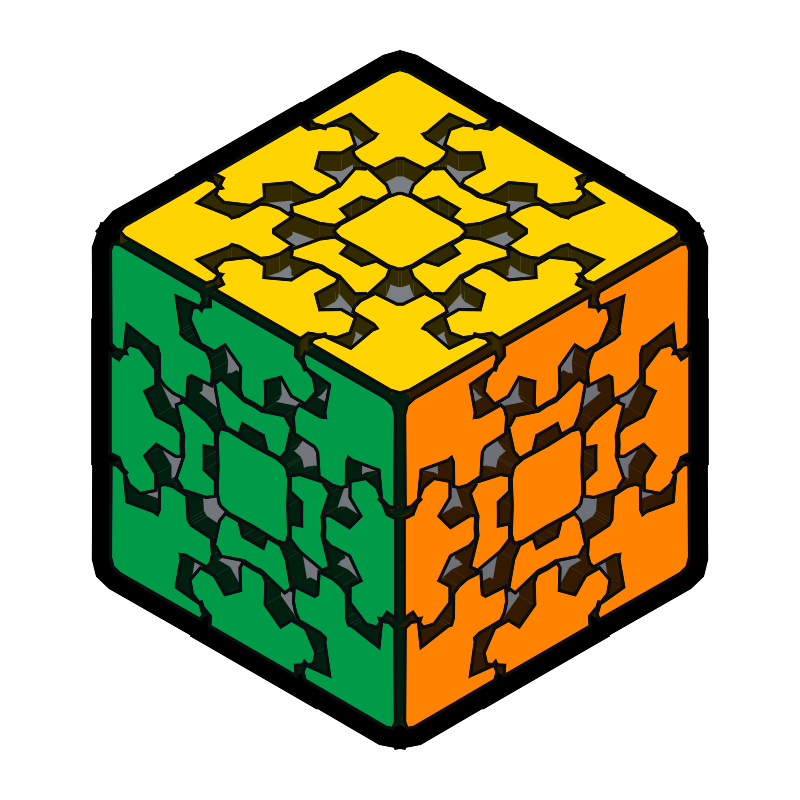
Its 12 edges are gears. You scan it or input it by hand, and UnCubed solves it in the fewest half turns there are, and at most 12.
-
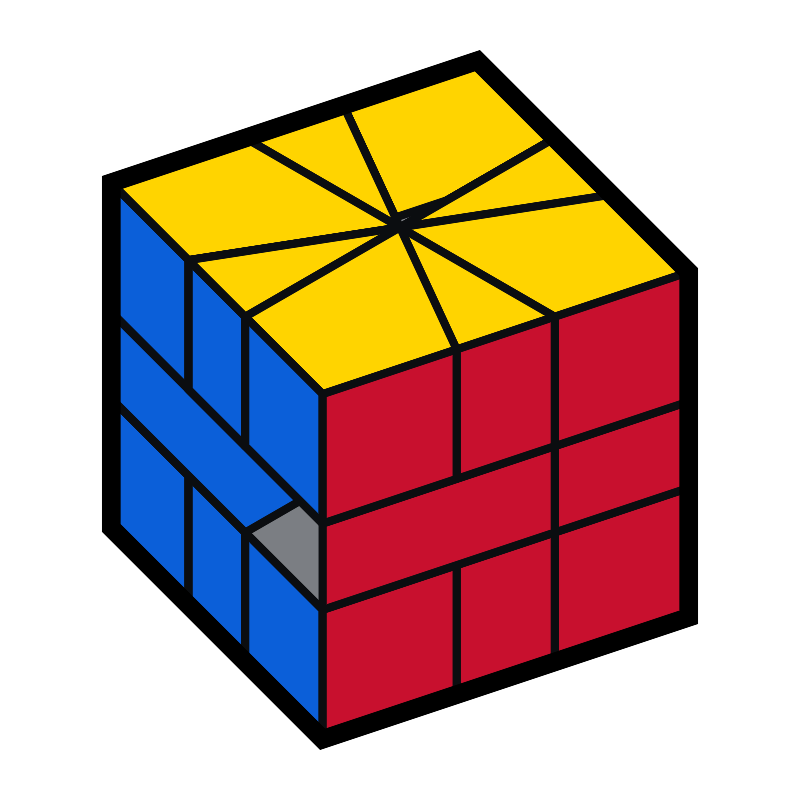
Maltese Cross
It slices out of shape. UnCubed puts the shape back first, then asks for the colours and walks you through the rest.
Which puzzles the camera opens on
20 of the 23 have a camera screen: every puzzle but the Molecube and the 2 Bricks.
On the Mirror Cube the camera cannot read the puzzle yet, and says so:
The camera cannot read this puzzle yet. It has not been taught what a good read
of it looks like. You can type it in instead. Where the camera is unsure of a square it says how sure it is, in words like
The camera thinks it is orange but is only 61% sure, and puts the choice to
you; where it cannot read a puzzle at all, it offers
Input.
On all 23 puzzles, Input is the
route that always works.
We looked for another app or site that solves a Mirror Cube, a Gear Cube or a Maltese Cross from the physical puzzle, and did not find one. That is a statement about the search rather than about anybody else’s work.
Bring the white and green edge up into the top layer. Front face, to the right, twice.
A step on the 3×3, as the phone reads it aloud if you switch on
Speak each step. On screen the card heads it
Bring the white and green edge out.
Learn
Learn How It Is Built and How to Solve It
Learn starts with how the puzzle is built, then teaches a method from scratch, a stage at a time. Each stage says what it is for, so every step makes sense as it happens.
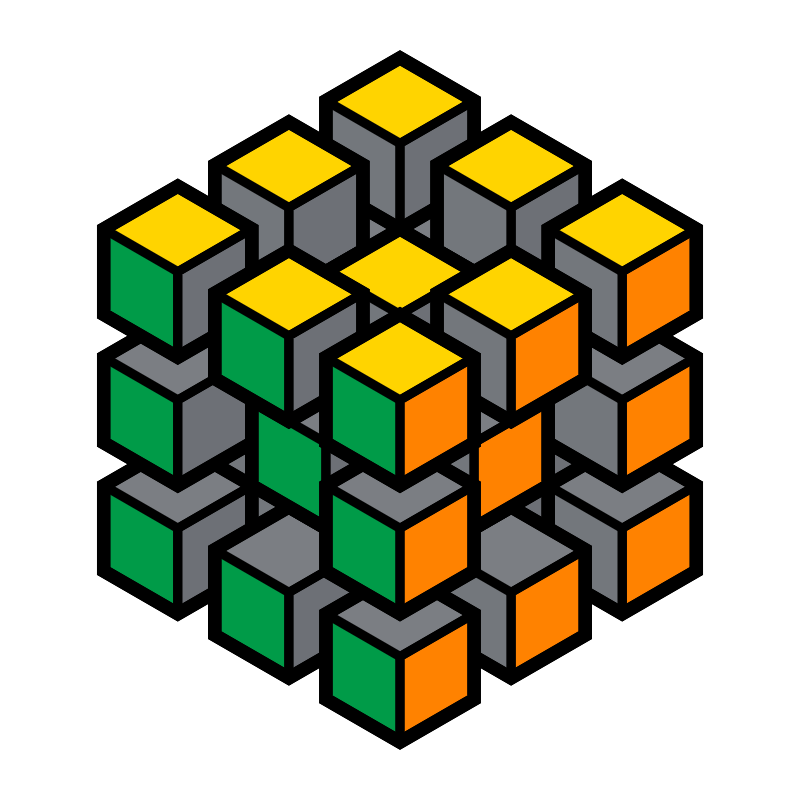
Every puzzle opens Learn with How This Puzzle Is Built, which takes the puzzle apart a picture at a time and shows what is fixed to its core and which pieces travel round it. Its technique lessons then show short ways to move a piece into its place, before the method puts them together.
Start the first lesson, carry on from the one you reached, which the app marks as Lesson 4 of 9, or start again from the beginning.
Play
Play with a Virtual Copy of Every Puzzle
Every one of the 23 has a virtual copy in the app. Turn it and find out how that mechanism moves, and whether it is a puzzle you would enjoy, before you spend anything on the object.
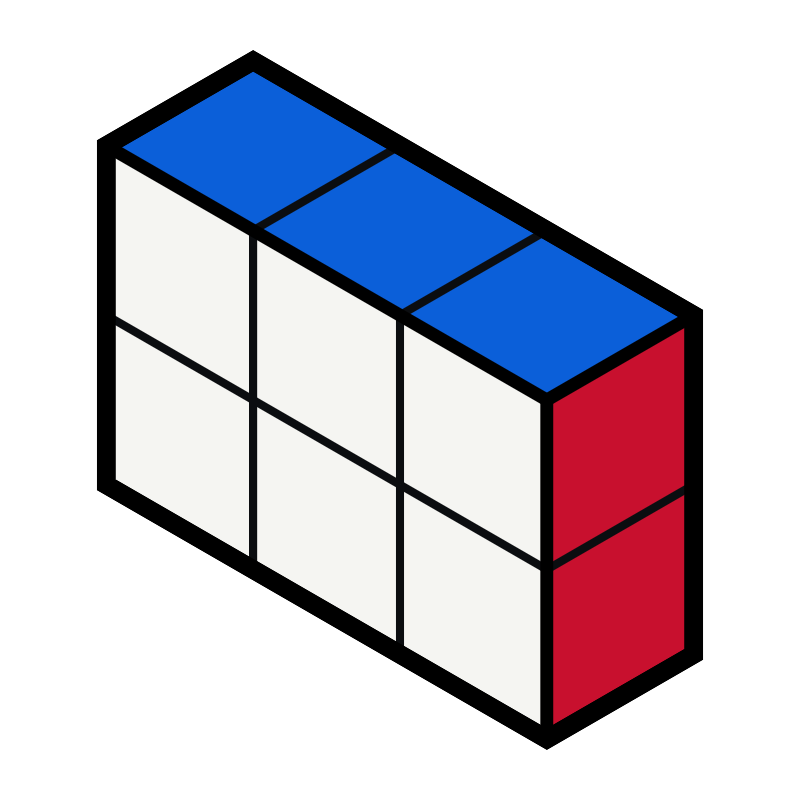
A gear cube and a corner-turning cube look alike in a photograph and feel very different in the hand. Play starts a puzzle mixed or solved, shows on most puzzles how far from solved it is as you turn, and lets you put it back whenever you like.
Made a scramble you like? Share it as a picture of the puzzle as it is now, or as a link that opens the puzzle, scrambled just like yours, in UnCubed. A puzzle you scanned, typed in or loaded from a save can be shared as a picture only.
What is free
The app is free. Play and Race are free on every puzzle, and the 3×3 is free in every mode. One purchase, Everything, adds Learn and Fix on every other puzzle, now and later. What it costs
Not on the App Store yet
UnCubed is being built and tested now. When there is a beta to join, the support page will say so.
Race
Race a Friend on the Same Scramble
Race works on all 23 puzzles, including the Mirror Cube, the Gear Cube and the Maltese Cross, where we have not found another app that races at all.
- Today’s scrambles Everyone gets the same scramble on each puzzle today, and a new one at midnight UTC.
- Hints are allowed Ask for the next move whenever you are stuck, so a beginner can take on an expert. The result says who asked.
- Fewest turns wins Every turn counts, including the ones you undo. After 15 seconds to look, a quiet clock runs while you solve, and the result shows your time beside your turns.
- The same scramble, checked Your friend’s copy of UnCubed deals the scramble from the link and checks it matches the one you solved.
- Leaderboards If you are signed in to Game Center, you can send your first go at today’s scramble to today’s leaderboards after a race, when you did not take any hints. Once you have 5 hint-free first goes on a puzzle, your average time on it goes to its own leaderboard too. The privacy policy says exactly what is sent.
- Medals and challenges Race’s lobby collects your race achievements as you earn them, the challenges friends send you, and the ones you send, kept on your device.
- A link, sent however you like You do not need an account. The privacy policy lists what a race link holds.
Play · Your own way
Customise the Puzzles
You can choose the colours you want for the sides of each puzzle.
Some puzzles can show pictures instead of colours in Play, of animals, mushrooms or sports, to make them more interesting or more challenging.
You can use your own photos for the different sides of a puzzle when you are in Play. iOS will show you its own photo picker. It will only give this app access to the photos you pick and will not ask to see the rest of your library.
You can make as many sets of your own pictures as you like, and name them. In the Photos app, choose photos, tap Share, then UnCubed, and pick a set to add them to. UnCubed keeps a smaller copy of each photo, on this device. Your photos stay on it unless you choose to send them with a puzzle you share.
Mac
UnCubed on a Mac
On a Mac the app fills the window: the 4 modes down the left, the puzzle in the middle with its view controls beneath it, and the words in a column beside it. It scans with the Mac’s own camera, or with an iPhone used as the camera when one is near.
Drag across the puzzle to turn the whole puzzle round. Keep the puzzles you use most in Favourites, by dragging one in or by starring it. To dress a puzzle in your own pictures, choose a folder of them and drag a picture onto a side.
- Open straight into a mode The app opens on Welcome, where every mode is described. Star a mode and the app opens straight into it.
- Achievements The medal at the top of every mode opens Achievements, where each one says how it is earned. Finish every lesson on a puzzle and Achievements records it; finish the lessons on every puzzle and it records that too.
The desk
The Real Puzzles with the App’s Drawing of Them
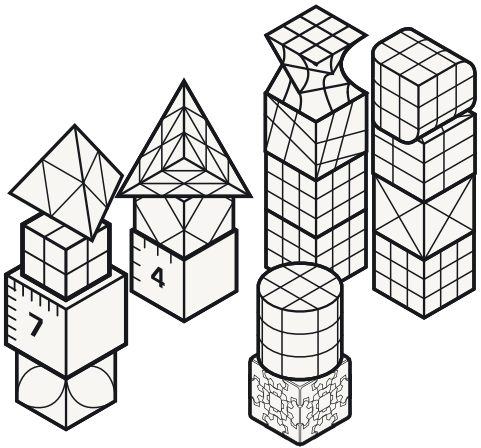
The puzzles UnCubed is built and tested with, as they stood on 24 September 2026, and the same stacks as the app draws them.
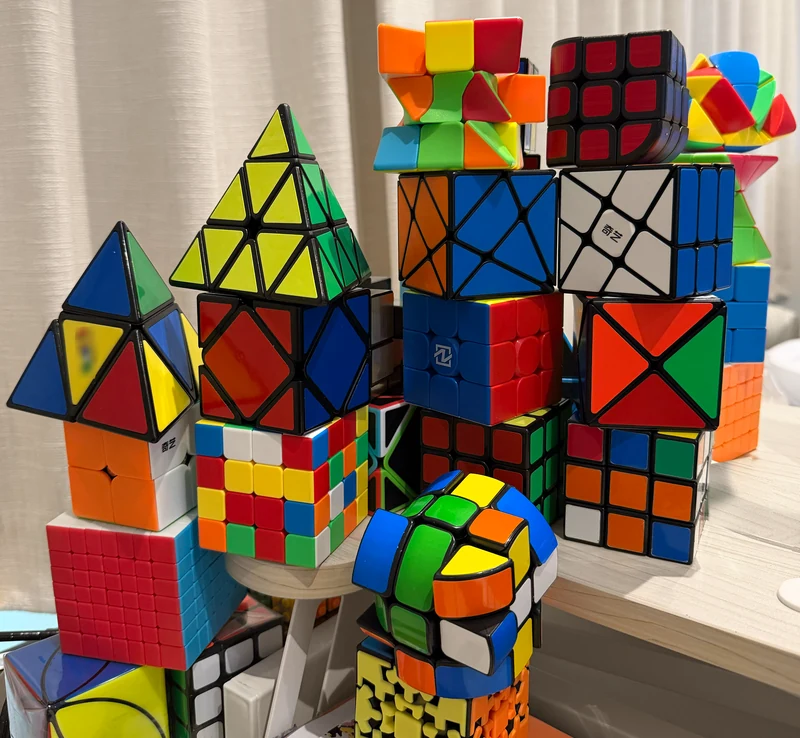
Every name, stack by stack
- On the left, from the top: Tetra, 2×2, 7×7 and Petal Cube.
- Next to it: Tetra 3, Diamond Cube and 4×4.
- In the middle: Twist Cube, Axis Cube and 2 3×3s.
- In front of them: a Cylinder Cube on a Gear Cube.
- On the right: Rounded Edge Cube, Windmill Cube, Saltire Cube and a 3×3.
Accessibility
Built for More Ways of Seeing and Hearing and Holding a Puzzle
The app does not show anything by colour alone. These are settings in the app.
A colourblind palette
Colours set apart by lightness and by warm against cool, with a letter on every square.
A palette without any colour
Mono: 6 greys, each with its own shape, which are the 6 above.
Your puzzle’s own colours
Set each side to the colour your puzzle really is. Anything too close to a colour already chosen greys out, so 2 sides cannot look alike.
Every step spoken
Switch on
Speak each stepand the phone reads each instruction aloud in the voice you choose. It starts switched on if VoiceOver is running.Hands on the puzzle
A step moves on when you tap, after a pause you set, or when you say “next”, heard on the phone.
Reduce Motion and Low Stimulation
The system setting is honoured, and animation can repeat, play once or stand still. Low Stimulation calms the rest: each step plays once, the voice says its first line, the phone stays still and races hide their clock.
The largest text sizes
Text scales to the largest accessibility size, and controls restack to fit.
VoiceOver with touch and contrast
Labelled controls, a rotor of puzzles, a switch for the click you feel on each turn, and solid panels and heavier lines when you ask for more contrast.
Learn · Suggestions
Help Make the Methods Better
The methods improve with the people who use them. If you know a shorter sequence for a stage, or a clearer way to say one, send it.
Every proposal is tried on the puzzle before it is adopted, so a sequence that does not do what it says does not reach a lesson.
What happens to a suggestion
- You send a sequence or a sentence For one stage of one puzzle, through a short form on this site.
- It is checked against the puzzle The sequence is tried from the stage’s own starting positions: by hand for now, while the check on the puzzle’s own model is being built.
- A person decides A proposal that works and teaches better is adopted into the course.
Get in touch
Tell Us What Would Make It Better
A problem, an idea, or a better way to teach a stage: each has a short form. Everything the forms send is sorted by an AI model running on our own computer. Anything urgent (a serious problem, or one several people report) reaches us at once, and the rest goes into a summary we read each week.
Privacy
The app says it on its own About page: “Everything happens on this phone. Nothing you scan, type or say is sent anywhere, nothing is saved off the device, and there is no account to make. If anything would ever leave this device, UnCubed asks you first and shows you exactly what is being sent.” It does not have any analytics, advertising or third-party code.
This website does not set any cookies. 3 of its pages run a short script, served from this site: the cube you can turn fetches its pictures from this site and keeps the colours you chose in your browser, the price on the support page fetches the App Store’s prices from this site, and the page a shared puzzle’s link opens puts that link into its button. None of them sends anything anywhere. The only thing this site keeps is what you type into one of its forms, and the privacy policy says for how long.